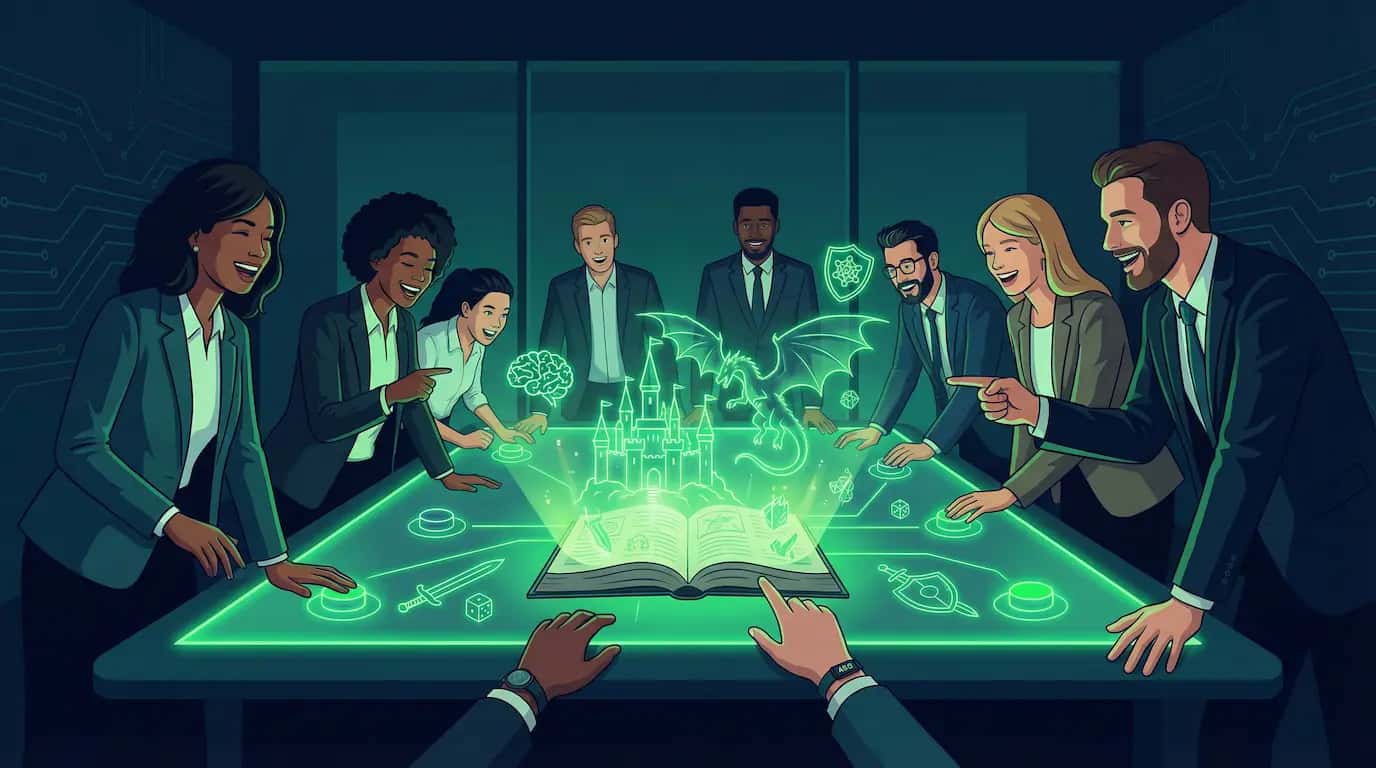
Let's be honest: most corporate team building activities are painful. Trust falls, virtual escape rooms you've done three times, or online trivia nights where the same person wins every round. They check the "we did something together" box but rarely create the genuine collaboration, creativity, and shared experience that actually brings a distributed team closer. If you're looking for AI team building games and virtual team building activities that don't feel forced, this collaborative story format is a massive upgrade for remote team engagement.
Here's something different. AI-powered collaborative story games let your team step into a shared narrative where every decision is made together. No special skills required. No one person dominates. Everyone votes, the story adapts, and you end up with an experience that's genuinely memorable, not just another calendar event people tolerate.
This guide walks you through how it works, how to set it up, and why it's becoming a go-to option for remote teams, offsites, onboarding sessions, and everything in between.
What Are AI Team Building Games?
Think of it as a choose-your-own-adventure book, but powered by generative text AI and played as a group. An AI game master generates a narrative in real time, complete with illustrated scenes, and presents your team with choices at key decision points. Everyone votes on what happens next. The AI takes the winning choice, advances the story, generates new artwork, and the cycle continues. It's a modern, interactive alternative to standard AI icebreakers.
The stories can be about anything: a fantasy quest, a space exploration mission, a mystery to solve, a startup survival scenario, or something completely custom that ties into your company's culture. The genre doesn't matter as much as the mechanic, which is a group of people making decisions together and seeing the consequences play out visually.
On aiga_, you can choose to have every scene illustrated with AI-generated art, so you're not just reading text. You're watching your team's story unfold visually, which makes the experience way more engaging than a text-only tool.
Quick Start: A 45-Minute Session Agenda
If you want this to feel like a polished, low-effort workplace activity, here's a simple agenda you can reuse for offsites or virtual team building.
- 5 minutes: Organizer previews a private game solo and generates an invite link.
- 5 minutes: Explain the rules: "We vote on what happens next. Majority wins."
- 25-30 minutes: Play through a handful of decision rounds (fast discussion, quick votes).
- 5-10 minutes: Debrief: What made decisions easy? Where did the team disagree, and why?
Copy/Paste Invite Message (Slack or Teams)
AI Team Building Game (collaborative story session)

We’ll play an AI team building game together: the story engine presents choices, we discuss briefly, then vote.

Join link: <paste link>
Time: <paste time>

Tip: You may be prompted to sign in (or create a free account) to join the private game.
Why AI Story Games Work for Team Building
Team building works when it creates genuine shared experience and forces people to collaborate without the usual workplace hierarchy getting in the way. AI story games hit both of those naturally:
- Everyone has an equal voice. Voting means the intern's choice counts just as much as the VP's. There's no skill advantage, no "I'm better at this" dynamic. Every person gets one vote per decision point.
- It sparks real conversation. When the team has to decide whether to negotiate with the alien council or launch a preemptive strike, people actually debate it. The discussions that happen between votes are where the real team building lives.
- No preparation needed. Nobody has to study rules, learn a game system, or practice. You show up, read the story, and vote. The AI handles everything else.
- It works for real team sizes. Private games support up to 10 players, which is the sweet spot for most team sessions, stand-ups, project groups, and department offsites.
- The results are unique every time. Because the AI generates the story based on your team's choices, no two sessions are alike. You can't spoil it, and you can run it with different groups without repeating the experience.
- It's actually fun. This sounds obvious but it matters. People remember fun experiences. They don't remember the third "lunch and learn" of the quarter.
Start Solo, Then Invite Your Team
One of the best features for organizers is the ability to start a game in single player mode and then invite others when you're ready. This is huge for planning a team session because it lets you preview and set up the experience before anyone else joins.
Here's how it works on aiga_:
- Create a private game. Pick a world (or create your own), choose your art style, and start a session. It begins as a solo experience where you make all the choices yourself.
- Preview and customize. Play through the first scene or two. Make sure the tone, setting, and difficulty feel right for your team. You can adjust settings and, if the vibe is off, start a new private game in a different world.
- Invite the team. When you're happy with the setup, invite colleagues using email invitations, shareable links, or friend groups. You can invite individuals or bulk-invite an entire team at once.
- Voting activates automatically. As soon as other players join, the game transitions from single player to multiplayer. The voting system kicks in, and now every decision point becomes a group choice.
This means you never have to worry about launching a session cold in front of your team and hoping it works. You can test-drive everything first, then bring people in when the experience is dialed in.
How the Voting System Creates Natural Collaboration
The voting mechanic is what makes this work as a team activity rather than just a game. Here's what happens at each decision point:
- The AI presents the story situation and offers multiple choices (typically 3-4 options).
- A timer starts (configurable — as short as 1 minute).
- Team members discuss, debate, and then vote for their preferred option.
- When the timer runs out (or your vote limit is reached), the winning choice is locked in.
- The AI advances the story based on that choice, generates a new illustrated scene, and the next round begins.
The magic is in the timer. That countdown window forces quick, engaged discussion. People can't overthink it. They have to communicate, advocate for their choice, and live with the group outcome. It's low-stakes enough to be fun but structured enough to require genuine teamwork.
You can also set a max vote count so the game can advance early as soon as your group has voted. This is the easiest way to keep the pace up without rushing the discussion.
Virtual Team Building: Running Sessions With Remote Teams
With remote employee isolation becoming a major challenge, this is where AI story games really shine compared to traditional online team building. Most activities fall apart when half the team is distributed. AI collaborative storytelling works the same whether everyone is in one room or spread across continents, making it one of the best remote team building activities available in 2026.
The setup is simple. Create a private game on aiga_, then invite your team using email invitations, shareable links, or the friend group feature to bulk-invite everyone at once. Each person opens the link in their browser from whatever device they have. Invitees will be prompted to sign in (or create a free account) to join the private game.
For the best experience with remote teams, pair the game with a video call so people can discuss choices out loud before voting. The game handles the narrative, artwork, and voting mechanics while your team focuses on debating which path to take. Everyone sees the same illustrated scenes and votes in real time from wherever they are.
Use Cases: Where This Actually Fits
Different teams have tried this for different reasons. Here are the ones that work best:
Team Offsites & Retreats
Replace the awkward icebreaker hour with a 30-45 minute collaborative story session. Pick a fun genre (mystery and sci-fi tend to work well), project it on a big screen, and let people vote from their phones. It gets everyone talking and laughing in a way that "tell us a fun fact about yourself" never will.
New Hire Onboarding
Create a custom world that mirrors your company or industry. New hires play through scenarios that introduce company values, common challenges, or team dynamics in a way that's actually engaging. You can build worlds about literally anything on aiga_, so making one that fits your onboarding narrative is straightforward.
Weekly / Monthly Team Activities
Run a recurring 20-30 minute session as a regular team ritual. Some teams do "Adventure Fridays" where they play through one chapter of an ongoing campaign. Because the story carries over between sessions, it gives people something to look forward to and talk about during the week.
Remote Team Bonding
Remote teams struggle with the casual social interactions that happen naturally in an office. A shared AI story game gives distributed teams a reason to jump on a call that isn't a status update. The game provides structure so nobody has to carry the social weight, and the shared decisions create genuine inside jokes and references.
Leadership & Decision-Making Workshops
This one's more creative but surprisingly effective. Set up scenarios that mirror real business decisions (resource allocation, crisis management, strategic pivots) in a fantasy or sci-fi wrapper. Teams practice making group decisions under time pressure in a zero-risk environment. The AI shows consequences immediately, which makes for great discussion afterward.
Cross-Team Mixers
Put people from different departments into a game together. The marketing team, engineering, and design all voting on the same story creates natural conversation between people who might never interact otherwise. Different perspectives lead to interesting debates about story choices, which translates into better cross-team relationships.
How to Run Your First Session: Step by Step
Here's a practical walkthrough for organizers:
1. Pick or Create a World
Browse the Shared Worlds library for ready-made worlds, or create your own. For team building, genres like mystery, space exploration, or fantasy adventure tend to work well because they're universally accessible and don't require any special knowledge.
2. Start a Private Game (Solo)
Create a private single-player game. Play through the first scene to make sure the tone and difficulty are right. This is your preview phase, no one else sees it yet.
3. Configure Voting Settings
Set up your voting rules before inviting the team. Voting time can be as short as 1 minute, and you can keep sessions fast by setting a max vote count so rounds end early once everyone has voted.
4. Invite Your Team
Send invite links via email, share in Slack or Teams, or use the friend group feature to bulk-invite. Private games support up to 10 players, so it's perfect for most team sizes.
5. Kick Off the Session
If you're in person or on a video call, briefly explain the concept: "We're going to play through a story together. The AI generates the narrative and art. At each decision point, we all vote and the majority choice wins. That's it." Then start the game and let the story take over.
6. Facilitate (Lightly)
The AI does the heavy lifting, but a light touch of facilitation helps. Read the scene text out loud if you're in a room together. Encourage people to discuss the options before voting. After a surprising outcome, give the group a moment to react. The less you intervene, the better, but a little energy goes a long way.
Tips for a Great Session
- Keep it to 30-45 minutes. That's enough for 8-12 story decisions, which is a satisfying arc without dragging. You can always run a longer session if people are into it.
- Pick a genre everyone can enjoy. Mystery, adventure, and light sci-fi work for mixed groups. Avoid niche genres unless you know your audience. Save the Lovecraftian horror for the engineering team's optional game night.
- Project it on a screen for in-person events. The AI-generated artwork makes the experience visual and engaging. Displaying it on a big screen turns it into a shared spectacle instead of everyone staring at their phones.
- Encourage discussion before voting. The real value isn't in the vote itself; it's in the conversation that happens before people decide. Give a "discuss for 30 seconds, then vote" prompt if people are voting too quietly.
- Use the voting timer wisely. Too short and people feel rushed. Too long and momentum dies. The minimum is just 1 minute, but 5 minutes is a good default for team sessions. Pair it with a max vote count so rounds end early when your group votes quickly.
- Don't over-explain. The beauty of this format is that it needs almost no instructions. "We vote on what happens next" is all people need to know to start playing.
- Save or screenshot great moments. The illustrated scenes make great Slack messages, team newsletters, or just fun memories. "Remember when we accidentally started a war with the ocean kingdom?" is a better team story than "remember that escape room?"
AI Story Games vs Traditional Team Building
| Factor | AI Story Games | Escape Rooms | Trivia Nights | Icebreaker Games |
|---|---|---|---|---|
| Works Remote | Yes | Limited | Yes | Yes |
| Team Size | Up to 10 | 4-8 | Any | Any |
| Prep Required | Minimal | Book venue | Write questions | None |
| Replayable | Every session unique | Once | New questions needed | Limited |
| Equal Participation | Everyone votes | Varies | Knowledge-based | Varies |
| Conversation Driven | High | High | Low | Medium |
| Cost per Person | Low (credits) | $25-40+ | Free-Low | Free |
| Memorable | Unique story + art | If you escape | Usually not | Rarely |
FAQ: AI Team Building Games at Work
How many people can join a private game?
Private games are capped at 10 players by default, which tends to map nicely to real teams (project squads, pods, or small departments).
Do invited teammates need an account?
Yes. Invite links bring teammates to a join page where they'll be prompted to sign in (or create a free aiga_ account) before joining the private session.
What's the difference between email invites and a shareable link?
Email invites go to a specific email address and expire after 7 days. A shareable link can be copied into Slack/Teams and lets anyone with the link join (after signing in) until you hit the 10-player limit — and you can revoke or regenerate it anytime.
How do we keep decision rounds moving fast?
You can set the voting timer as low as 1 minute, though 5 minutes works well for most teams. Pair it with a max vote count so rounds end early as soon as your group votes. This gives you a safety net without slowing the session down.
Better Team Building, Less Cringe
The bar for team building activities is low, and honestly, that's part of the opportunity. When you bring something to the table that's genuinely creative, inclusive, and fun, people notice. AI collaborative storytelling is one of those rare activities that works for introverts and extroverts, remote and in-person, a small team of four or a department of ten.
The single player to multiplayer flow means you can set everything up perfectly before your team ever sees it. The voting system ensures nobody dominates. The AI handles all the creative heavy lifting so there's no facilitator burnout. And the illustrated scenes give everyone something visual and shareable to remember the experience by.
If you're tired of the usual options and want to try something your team will actually talk about afterward, collaborative AI storytelling is worth a shot.
Get Started
Create a free aiga_ account, pick a world from the Shared Worlds library, and start a private game to preview it yourself. When you're ready, invite your team and watch the story unfold. Your next team building session might actually be something people want to do again.